

Feed optimisation: the custom label for price position
Feed optimisation records, for every offer, where you stand in the price comparison and writes it into a Custom Label. In Google Ads you can then bid deliberately: more on the items where you lead, less on the rest.
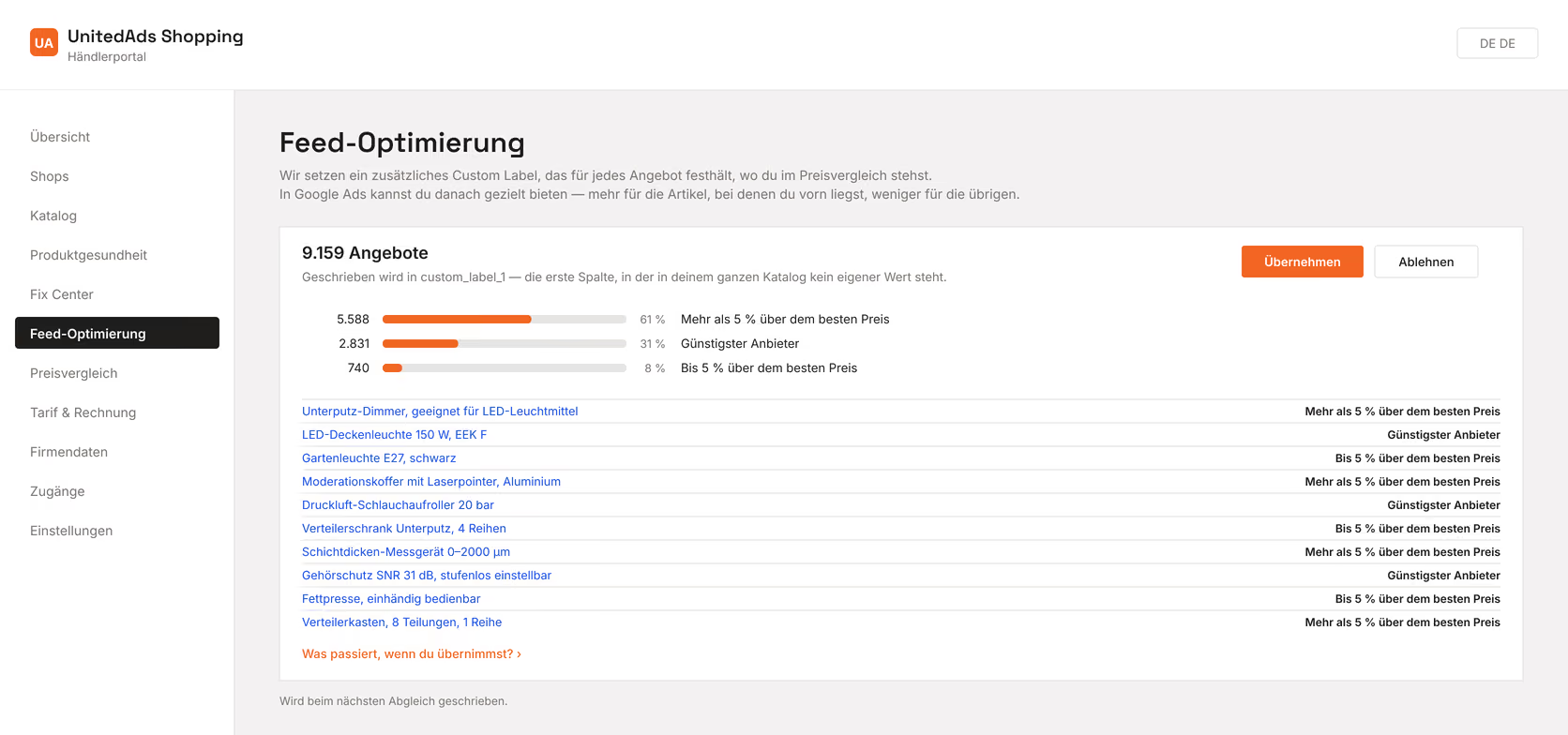
The three values
- Cheapest seller — no one in the comparison is cheaper.
- Up to 5% above the best price — close.
- More than 5% above the best price — a clear gap.
What counts is the total price including shipping, not the item price alone. Google has five Custom Labels (custom_label_0 to custom_label_4); shoppers never see them, they only serve to steer things in Google Ads. We write to the first one that is still empty across your whole catalogue — we don't overwrite existing labels (Google Help: Custom label).
After approval, the label is written at the next sync, not immediately. In Google Ads you can then use it as a filter or for your own ad groups.